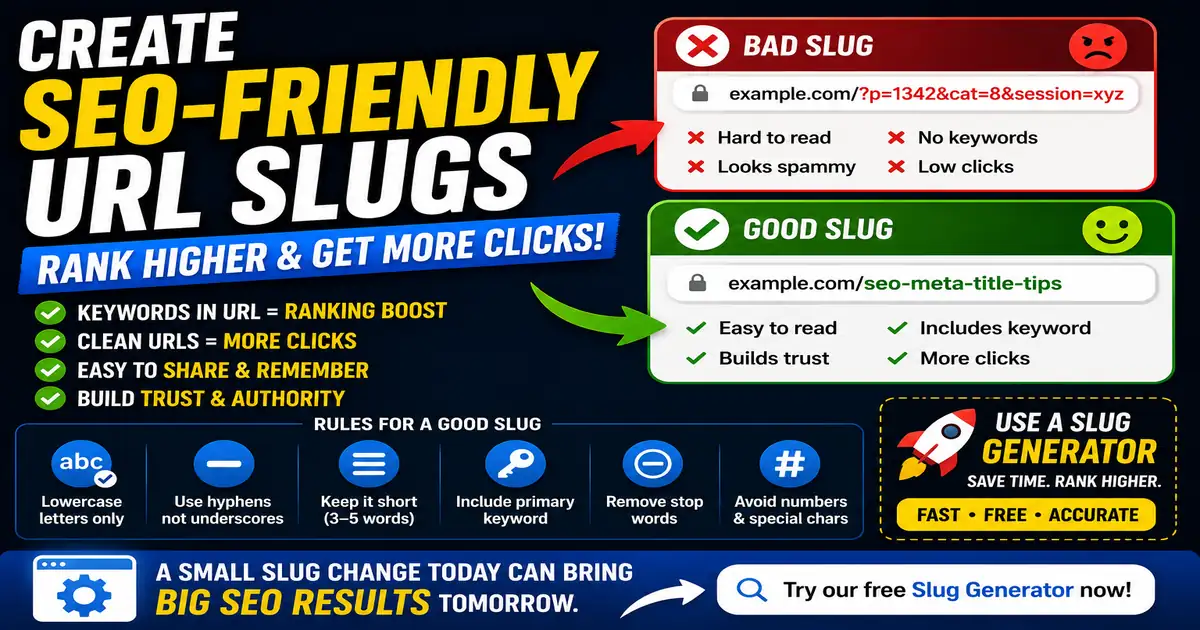
A URL slug is the specific part of a web address that identifies a particular page. For example, in the URL newsbrio.net/tools/slug-generator/, the slug is "slug-generator". While it might seem like a minor detail, how you structure your URL slugs has a direct impact on search engine crawlability and organic indexing.
How Search Crawlers Read URLs
Search engine spiders use URLs to navigate your site's hierarchy and understand page relationships. A clean URL structure acts as a roadmap. When a crawler encounters a descriptive slug, it receives an immediate clue about the page content, which aids in indexing accuracy. Conversely, URLs filled with random numbers, query strings, or generic parameters (e.g., index.php?p=8564) provide no contextual clues.
Golden Rules of URL Design
- Use hyphens, not underscores: Search engines treat hyphens (-) as spaces, allowing them to separate words (e.g., "seo-tools" is read as "seo tools"). They treat underscores (_) as joiners, merging words into a single term ("seo_tools" is read as "seotools").
- Keep URLs lowercase: Linux-based web servers are case-sensitive. Mixing uppercase and lowercase letters can lead to duplicate URL issues or 404 errors if users type the address manually.
- Remove stop words: Short connector words like "and", "the", "a", or "for" add length without adding SEO value. Keep slugs short and focused on primary keywords.
Security and URL Trust
Clean URLs are not just for search engines; they build user trust. Searchers are hesitant to click on long, messy links because they look spammy and unsafe. A clean, descriptive link tells the reader exactly what to expect, increasing the likelihood of clicks from social media shares and email newsletters.
To batch-convert your article titles or keyword lists into clean, search-ready permalinks, use our simple Slug Generator or Text to Slug Batch Converter.