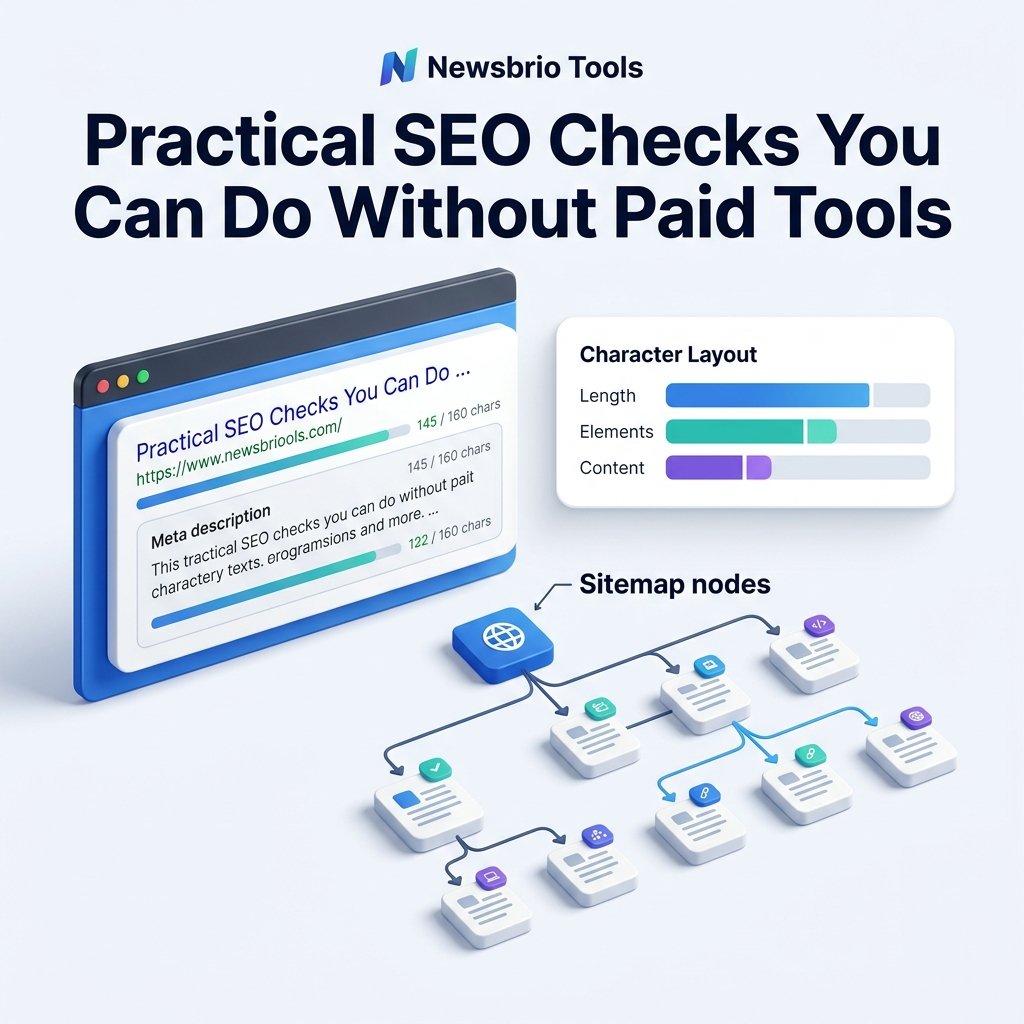
For beginners and small website owners, entering the world of Search Engine Optimization (SEO) can feel overwhelming. Many online guides claim that you cannot succeed without paying for expensive monthly subscription tools. This is simply not true. While subscription platforms are helpful for massive enterprise audits, you can perform essential SEO checks completely for free.
By combining Google's advanced search operators with simple, browser-based utilities, you can check indexation, audit metadata, analyze word flows, and optimize page parameters manually. Here are five practical, free SEO checks you can run on your site today.
Check 1: Find Indexing Gaps with Google Search Operators
The first step in any SEO check is verifying that Google can actually see and index your pages. If your sitemap has errors or a page is accidentally blocked, it will never show up in search results. You can check this in seconds using Google's "site:" operator.
- Syntax: Open Google and type:
site:yourwebsite.com(replace with your actual domain name). Do not leave a space after the colon. - What to look for: Review the total number of results. If you know your site has 50 pages but Google only lists 10, you have an indexing issue. Scan the list for test URLs or default templates that should not be indexed.
Check 2: Advanced Search Operators for Internal Audits
You can also use Google's advanced syntax to find duplicate text segments or verify boilerplate content within your own index. This is extremely helpful for catching duplicate descriptions that can flag your site for low value content.
For example, search for: site:yourwebsite.com "exact duplicate sentence" to check if you have copied the same paragraphs across multiple articles. If you find multiple URLs containing the same text, plan to rewrite those paragraphs to offer unique value on each page. This simple check takes seconds and prevents automated quality filters from flagging your content as repetitive templates.
Check 3: Review Meta Titles and Casing Manually
Your search snippet is the digital billboard for your page. If it is cut off, misspelled, or uses inconsistent casing styles, searchers will skip it. You should audit your titles to make sure they are unique and fits visual pixel limits.
Review the search listings from your site: search. Check that your titles fit cleanly without getting cut off with an ellipsis (...). If a title looks too long, copy it and paste it into the Meta Title Checker to verify it is under the recommended 60-character boundary. Make sure that your brand name is placed consistently, typically at the end of the title tag.
Check 4: Audit Keyword Density and Readability
To rank for a topic, your page must discuss it naturally. However, beginners often fall into the trap of repeating their primary keyword too many times. This is called keyword stuffing, and it tells search crawlers that your page is built to manipulate rankings rather than help readers.
Paste your copy into our client-side Keyword Density Checker. Look at the single words and two-word phrases that repeat most often. Your primary keywords should not make up more than 1% to 2% of the copy. If you see high frequencies, replace those instances with synonyms or rewrite the sentences to make the copy flow more naturally.
Check 5: Check Reading Engagement Indicators
Search engines look at behavioral indicators to determine page quality. If users land on your site and bounce back to Google in three seconds, it tells search engines that your page did not answer their query. Providing a clear structure and setting reading expectations helps keep users on the page.
You can estimate reading flow by running your drafts through the Reading Time Calculator. Displaying the reading time at the top of your blog posts helps set expectations for your readers, encouraging them to scroll. Ensure your text has frequent paragraph breaks (every 2-3 sentences) to prevent reader fatigue, especially on mobile devices.
Check 6: Audit Your Sitemap Navigation
Search engines crawl your site by following internal links. If you have orphan pages that are not linked from any sitemap or page, they may never get crawled or indexed. You must maintain a clean roadmap.
Open your HTML Sitemap and verify that every live page, including your policy pages, interactive tools, and blog articles, is listed. An organized sitemap page distributes link equity across your entire site and ensures that search crawlers can index new content within hours of publishing.
Check 7: Audit Loading Performance with Lighthouse
Page loading speed is a critical SEO factor that directly impacts user experience and rankings. You do not need to pay for performance tracking software to monitor speed. Chrome browsers include a built-in auditing engine called Lighthouse.
Free SEO Check Summary
1. Indexation Scan
Free Method / Toolsite: operator
Target ResultCheck that all live pages are indexed; no test pages visible.
2. Title Length
Free Method / ToolMeta Title Checker
Target ResultKeep titles under 60 characters to prevent cut-offs.
3. Casing & Flow
Free Method / ToolKeyword Density Checker
Target ResultPrimary keywords kept under 2% density.
4. Index Navigation
Free Method / ToolHTML Sitemap
Target ResultEnsure every page is linked in the sitemap.
5. Load Performance
Free Method / ToolChrome Lighthouse
Target ResultOptimize loading times and clean up code markup.
Conclusion
You don't need a massive software budget to improve your site's search visibility. By combining advanced search syntax with client-side calculators, you can run detailed, manual checks that keep your website optimized, fast, and ready for visitors.