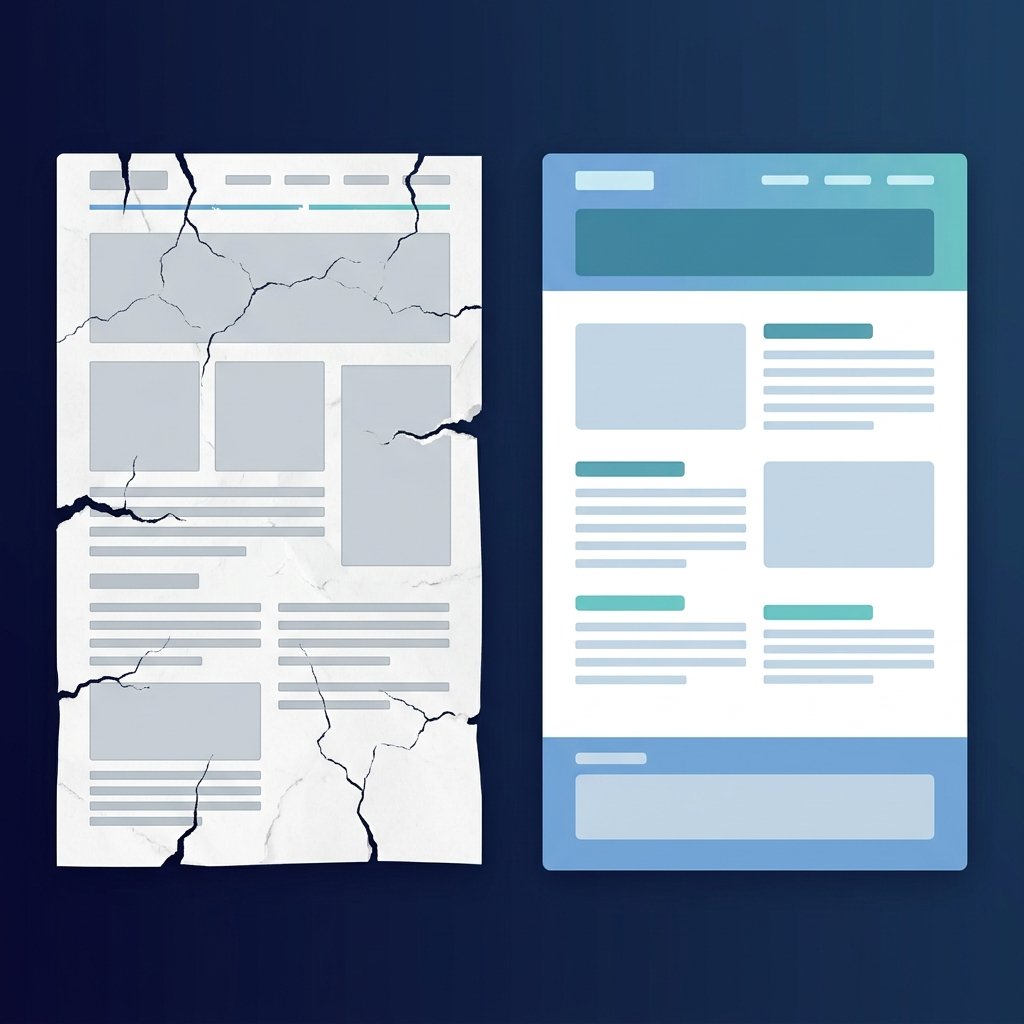
A common source of frustration for developer-publishers is having their website rejected by Google AdSense for "Low Value Content." This rejection is especially confusing when the website hosts functional, custom-coded tools that solve real user problems. The publisher thinks: *The tools work, people use them, so why is this low value?*
The explanation lies in how search engines and advertising networks define quality. An ad reviewer or search crawler does not evaluate code quality alone; they review the entire site ecosystem. If your site looks like a template without any editorial voice, lacks clear trust pages, or uses fake profiles, it will be flagged. Here are the primary reasons functional utility sites look low-value to evaluators, and how to fix them.
1. The "Thin Template" Trap
Many tool websites feature what is known as a thin template. The page has a header, a global sidebar, a basic form input (e.g., a box for text entry), a button, and a footer. While this is highly functional for active users, it contains almost no unique text content. To a search index crawler, the page is nearly empty, containing only boilerplate layout code.
If you have dozens of similar pages that all reuse the exact same layout structure with only a few javascript variables changed, crawlers will flag them as duplicate, automated, or thin content. To prevent this, every tool page should host a detailed, written guide explaining what the tool is, how it processes data, real examples, and FAQs. Each guide must be written uniquely; do not use the same text block with only the tool name swapped.
2. Lack of Real Author and Trust Identity
With the rise of low-quality niche websites, search engine quality guidelines emphasize E-E-A-T (Experience, Expertise, Authoritativeness, and Trustworthiness). If a website has no clear operator, no real about page, or uses fake individual author profiles, it fails this test.
Reviewers are trained to spot fake individual authors, stock portraits, and fake social profile links. If your site lists multiple contributors with no real credentials or links to social profiles that do not exist, it represents a significant trust risk. It is far better to be honest and use a single, collective author profile, like the **Newsbrio Editorial Team**, with an About Us page that describes the website's goals, editorial standards, and contact details honestly. Clear, verified authorship immediately elevates a site's credibility.
3. Poor Layout Usability and Design Flaws
Credibility is also determined by the site's layout usability. If an ad evaluator lands on your page and is hit with crowded menus, low-contrast text, or massive layouts that overlap on mobile devices, they will classify the experience as low-value.
Ensure that your font styling has high contrast against the background and that layout modules have sufficient margins (at least 16px to 24px) to look clean. Avoid placing large promotional blocks or email signup widgets in areas where they overlap core interactive forms. A clean, responsive design suggests professional editing and improves overall session duration.
4. Missing or Broken Trust Pages
A website cannot look professional if it lacks the legal and organizational pages that visitors expect. A site without policy pages looks like a temporary project built overnight to generate ad clicks, which is a major red flag for AdSense.
Ensure your site features a clear Privacy Policy, Terms of Use, Cookie Policy, and Disclaimer. Additionally, maintain an HTML sitemap page, like our Sitemap, to make navigation easy for crawlers and humans. These pages should not be hidden in complex scripts; link to them clearly from your global footer so they are accessible from every URL.
5. Keyword Stuffing and Spammy Anchor Text
In an effort to rank for tool keywords, some publishers place massive blocks of spammy text at the bottom of pages, repeating variations of their keywords (e.g., "best free character counter online tool for bloggers 2026"). This technique looks highly unprofessional and signals to crawlers that the page is built for search engines rather than human readers.
Use a tool like the Keyword Density Checker to check your text guides. Keep your keyword density low and write natural, helpful sentences. If you have duplicate lines or repetitive sentences in your copy, remove them. Clean, natural copy is much more persuasive to human visitors and is favored by modern search algorithms.
6. Inconsistent Casing and Bad Structure
A website's visual credibility is built on minor design details. If your headings use inconsistent capitalizations, skip heading levels, or duplicate H1 tags, the page looks poorly edited and low-value.
Verify your headings using the Heading Structure Checker. A clean, logical heading flow (H1 for page title, followed by H2 and H3 subsections) proves to search engines that your content is organized and reviewed by real editors. Standardizing these design tokens is essential for mobile readers, who scan pages quickly.
Low-Value Signals vs. High-Value Fixes
Empty interactive form pages
High-Value FixForm + unique text guide + FAQs
Action ItemWrite 300+ words of context per tool page.
Fake authors with stock photos
High-Value FixHonest, collective editorial team profile
Action ItemSet author to Newsbrio Editorial Team.
Hidden policy links
High-Value FixVisible policy links in sitemap & footer
Action ItemAdd link to disclaimer in sitemap.xml.
Conclusion
To pass Google AdSense review, a utility site must offer a cohesive, trustworthy experience. Designing working scripts is only the first step; you must wrap them in useful text guides, connect them through natural internal links, use verified collective authorship, and display clear policy pages.