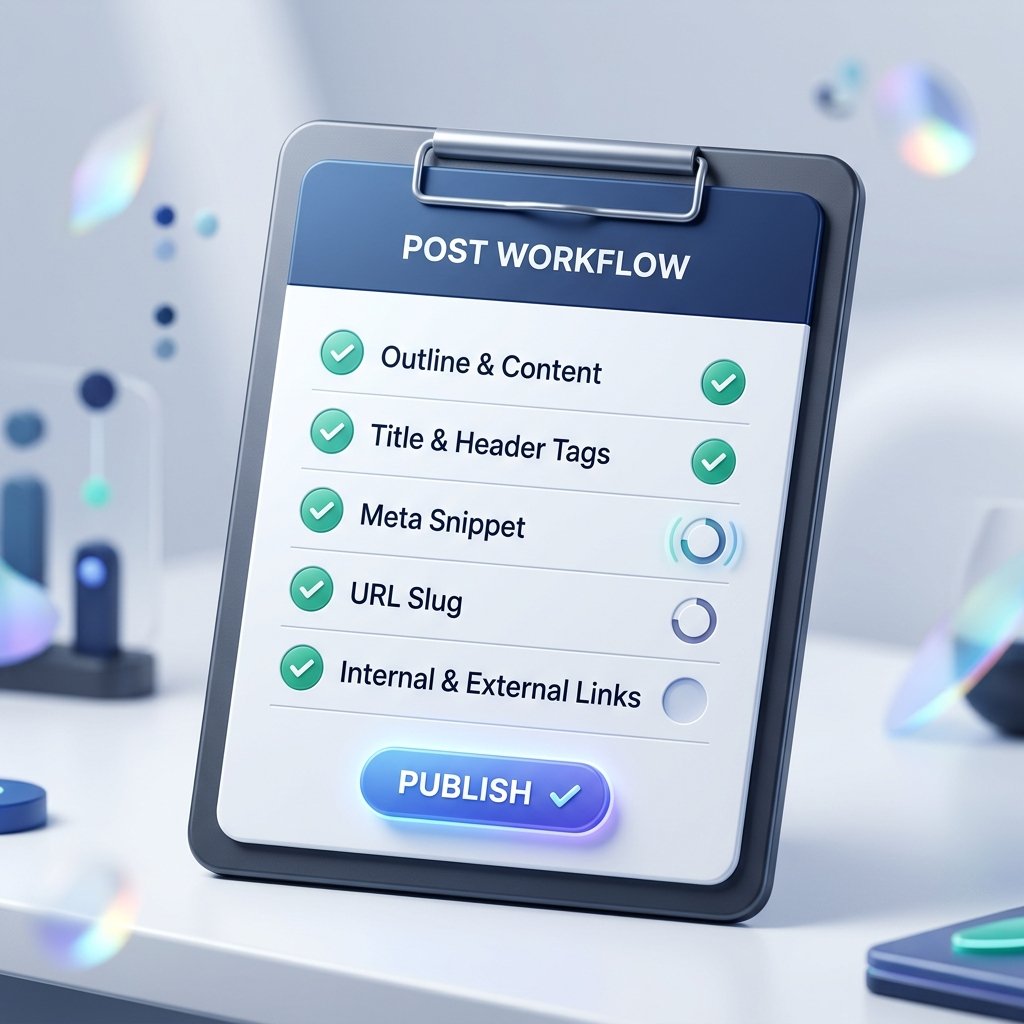
When you are managing a website, it is easy to get excited and rush to publish a new blog post. However, skipping a final quality check often results in minor formatting errors: a broken link, a skipped heading level, a truncated meta description, or a poorly formatted URL slug. These minor mistakes can accumulate and trigger quality issues, hurting your search rankings and credibility.
To maintain high standards, every writer and editor needs a reliable pre-publish workflow. A pre-publish workflow is a standardized checklist you run through before clicking publish. Here is a step-by-step editorial workflow you can adopt today to ensure every article you publish is optimized, clean, and search-ready.
Step 1: Check Length and Structure
While content depth is more important than raw numbers, checking your page's basic parameters is a good way to catch empty drafts or formatting mistakes. Your post length should match the depth of the topic.
Before proceeding, copy your raw draft and paste it into the Word Counter. Check that your word count matches the expected length for an informational post. Additionally, you should run the copy through a Reading Time Calculator. Displaying the reading time at the top of your blog post helps set expectations for your readers, which can improve on-page engagement and reduce bounce rates.
Step 2: Verify Heading Hierarchy
Inconsistent heading layouts are a common layout mistake. Headings are not just for visual styling; search engines rely on tags like H1, H2, and H3 to map the hierarchy of your topics. Skipping levels (e.g., jumping from an H1 title straight to an H3) breaks this map.
Copy your draft's HTML structure and paste it into the Heading Structure Checker. Check that you have exactly one H1 tag and that all subsequent H2 and H3 subheadings follow a logical order. A clean, nested structure helps search engine crawlers index your sub-topics correctly.
Step 3: Optimize Snippet Limits
Your meta title and description form the first impression of your page in search results. If Google truncates your description or replaces a vague title, your CTR (click-through rate) will drop. Snippet limits are measured in visual pixels, but character limits serve as a safe guideline.
Keep your meta title under 60 characters and test its length using the Meta Title Checker. Check your meta description using the Meta Description Checker, keeping it between 120 and 155 characters. Writing unique, descriptive snippets ensures that search engines display your summary cleanly on both mobile and desktop screens.
Step 4: Track URL Changes and Redirects
A mature publishing workflow should also document modifications and redirects honestly. If you revise an old blog post or rename its title, tracking the changes helps you identify if the old URL slug needs to be redirected. When changing a slug, always check your sitemap log to make sure the old URL redirects with a 301 header.
Failing to track URL changes leads to dead internal links and orphan pages. Maintain a simple spreadsheet or local changelog mapping every old path to its new target. This practice guarantees that crawlers can follow your site's history without hitting 404 pages, and ensures your update dates remain honest and transparent to search evaluators.
Step 5: Standardize URL Slugs
A poorly formatted URL slug (e.g., using spaces, capital letters, or special characters) can cause server errors or lead to indexing issues. Your permalink slug should be short, lowercase, and keyword-focused.
Avoid copying the entire article title into the URL slug. Instead, select three or four primary keywords and convert them into a clean path using our Slug Generator. A clean, hyphen-separated slug is easier for users to share and is easily parsed by search crawlers.
Step 6: Perform a Final Quality Check
Once your metadata and links are configured, run these final checks:
- Verify Internal Links: Ensure that you have linked naturally to relevant tools or related articles, and that all link targets load correctly.
- Author Verification: Confirm that the author is set to your verified collective profile (e.g., 'Newsbrio Editorial Team') rather than empty placeholders.
- Format Check: Preview the draft on a mobile screen. Ensure that paragraph lengths are short (2 to 3 sentences) to prevent walls of text on mobile displays.
Step 7: Automate Checklists for Teams
If you work with multiple writers or editors, ensuring that every article follows the pre-publish checklist can be challenging. To maintain standards, build a shared digital dashboard or a simple templated checklist document that team members must complete before submitting drafts.
Encourage writers to run their raw text through our client-side formatting utilities, like the HTML Cleaner and the Duplicate Line Remover, to clean up drafts before copying them into the CMS. Automating these quality checks as a mandatory step in your publishing workflow prevents formatting bugs and ensures your website maintains high authority.
The Pre-Publish Checklist Table
1. Copy Length
Utility to UseWord Counter
Target StandardCompare post length to depth of topic.
2. Headings
Utility to UseHeading Checker
Target StandardExactly one H1; no skipped nested levels.
3. Meta Title
Utility to UseMeta Title Checker
Target StandardUnder 60 characters; keyword-rich.
4. Description
Utility to UseMeta Description Checker
Target Standard120 to 155 characters; action-oriented.
5. Slug
Utility to UseSlug Generator
Target StandardLowercase, hyphenated, no stop words.
Conclusion
By investing five minutes in running every new blog draft through a pre-publish checklist, you eliminate formatting errors, maintain design consistency, improve search crawlability, and guarantee that your visitors get a premium reading experience every single time.