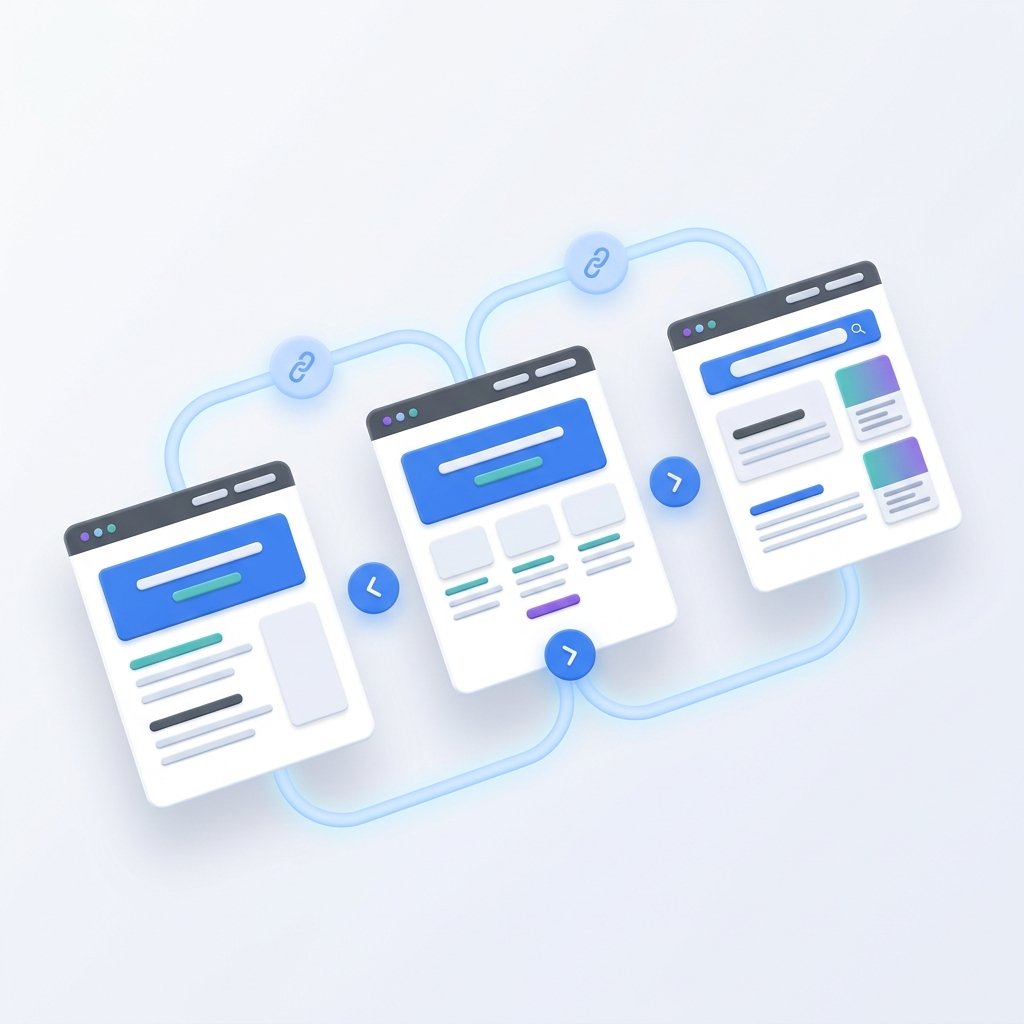
Internal linking is one of the most powerful and underutilized search engine optimization strategies. It involves connecting pages on the same website using text hyperlinks. For blog-heavy sites, internal linking builds topical relevance and helps readers find related articles. For tool-based websites, it serves an even more critical function: it links static informational content directly to your interactive scripts, ensuring that both search crawlers and readers can navigate your entire catalog easily.
Many site owners make the mistake of leaving their online tools isolated from their blog articles, or linking to them with generic, repeated phrases like "click here." To rank well and pass strict ad network evaluations, you need a structured internal linking workflow. Here is a practical, beginner-friendly system to connect your tools, guides, and policies naturally.
The Architecture of a Tool Site Link System
Before linking files together, you must understand the site structure. A standard tool and blog site consists of four primary tiers:
- The Homepage: The central entry point that distributes authority.
- Interactive Tool Pages: The specific utilities users search for.
- Educational Guides/Blog: Contextual articles explaining workflows.
- Trust and Legal Pages: Policy and contact documents that verify credibility.
Your goal is to build a linked web where no page is an "orphan" (a page with zero internal links pointing to it). Orphan pages are rarely crawled by search engines and are practically invisible to visitors.
Step 1: Map Blog Guides to Specific Utilities
Every blog post you write should serve as an educational companion to one or more of your utilities. When you discuss a technical workflow in an article, naturally link to the tool that simplifies that workflow.
For example, if you write an article about clean URL optimization, don't just explain the theory. Link to your interactive Slug Generator directly within the text, using descriptive anchor text such as "generate search-ready permalinks." This gives the reader an immediate, actionable step. Correspondingly, your tool page should link back to the blog article under a section like "Related Guides" to help beginners who need more context.
Step 2: Generate Contextual, Descriptive Anchor Text
Anchor text is the clickable text in a hyperlink. Search engines use this text to understand the subject of the target page. If you repeatedly use generic terms like "check this out" or "our tool," search engines lose valuable context. Conversely, over-optimizing with exact-match terms (e.g., linking "free online slug generator tool" twenty times) can look spammy.
To write natural anchors, focus on the user's action. You can brainstorm descriptive keywords and variations using an interactive anchor generator, such as the Internal Link Anchor Generator. This utility helps you draft varied, readable anchors that describe the destination page naturally, such as "convert text to slug" or "clean URL slugs guide." Varying your anchor text keeps your content readable and prevents automated keyword filters from flagging your links as template-generated.
Step 3: The SEO Value of Outbound Trust Links
While internal linking forms the backbone of your site's architecture, outbound linking to authoritative external resources plays an important supporting role. Linking to recognized regulatory guidelines or official documentations (like the Google AdSense Content Policies or the W3C markup standards) demonstrates to search crawlers that you research your guides and consult reliable sources.
Never link to direct competitors, but do not hesitate to link to government sites, educational directories, or official developer portals when defining a complex term or citation. This balanced approach to linking establishes a site's credibility, showing that it exists to educate the reader rather than just trapping them in a closed loop of display ads.
Step 4: Connect Trust Signals to Your Navigation and Footer
Trust is a primary review factor for networks like AdSense. Reviewers look for clear signs that a website is operated by real people who respect user privacy. Your structural links should lead users directly to these signals.
Ensure that your Privacy Policy, Terms of Use, Disclaimer, and About Us links are easily accessible from every page, usually in the global footer. Additionally, you should maintain a complete, readable HTML sitemap page, like our Sitemap, to provide search crawlers with a simple, structured index of all public URLs on your website. Linking to these trust pages from your global navigation tells search spiders that your site is a legitimate publication.
A Quick Internal Linking Checklist
Blog Post to Tool
Best Practice Anchor Text"Use our Word Counter to check length"
Mistake to Avoid"Click here to use the tool"
Tool to Blog Post
Best Practice Anchor Text"Read our full guide on snippet limits"
Mistake to AvoidNo link back to educational guides
Any Page to Trust Page
Best Practice Anchor Text"Review our Editorial Policy"
Mistake to AvoidHiding trust links inside scripts
Common Linking Pitfalls to Avoid
- Forcing irrelevant links: Do not link a password generator tool to an article about image resizing. Links must be contextually relevant to the content surrounding them.
- Having broken links: Dead links (404 errors) ruin the user experience and stop crawler traffic. Always test your links after changing URL slugs or page names.
- Using the same anchor everywhere: Mix synonyms and natural sentences (e.g., alternating between "clean text formatting" and "HTML cleaner tool") to keep your content flowing naturally.
By establishing a clear linking workflow, you ensure that visitors can easily find the exact tools they need, and that search engine crawlers can index every guide and policy page on your server without getting blocked.
Step 5: Auditing Link Distribution and Anchor Casing
To maintain a clean internal linking network, you should perform periodic checks of your internal links. In a spreadsheet, map out your site's hierarchy and count how many internal inbound links point to each page. If you find that some tools have dozens of links while others have none, redistribute the links to balance your page authority.
When writing anchors, ensure the capitalization is correct and fits the surrounding sentence flow. You can run heading strings or anchors through a formatting utility like our Text Case Converter to ensure consistent styling. A balanced, clean link profile ensures that search engines can discover your new articles within hours of indexing, and prevents any automated spam alerts.