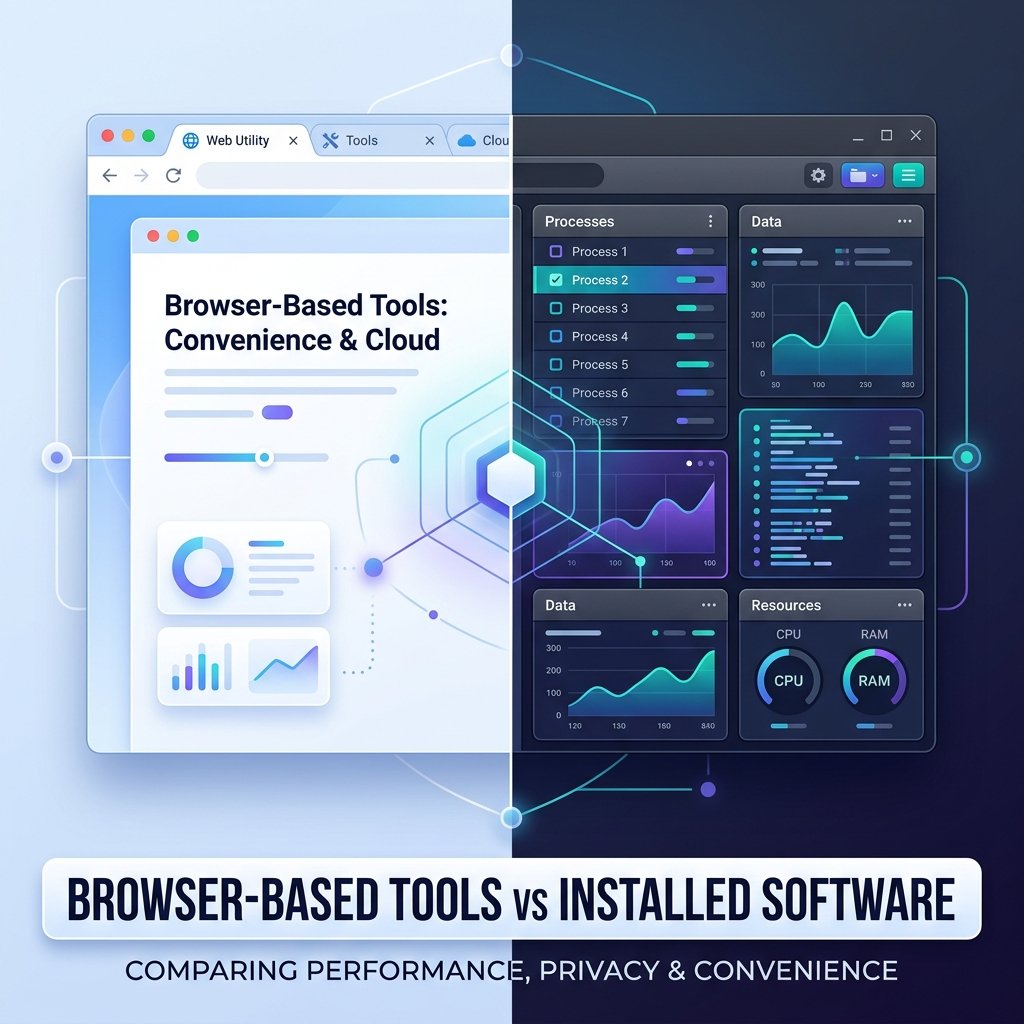
When you need to complete a quick task, like counting text length, formatting code, or generating a hash, you have two primary options: use a browser-based online tool or install dedicated desktop software. Both approaches have their strengths and weaknesses. The right choice depends on your requirements for privacy, convenience, processing speed, and device resources.
As internet speeds have increased and browser engines have evolved, online utilities have become highly capable. Many tasks that once required desktop software can now be done instantly inside a browser tab. Here is a practical comparison to help you choose the best tool for your workflow.
The Case for Browser-Based Tools
Browser-based utilities are designed for speed and accessibility. You don't need to download an installer, run a setup wizard, or worry about software compatibility. You simply visit a URL and start working immediately.
- Zero installation footprint: Online tools don't consume local hard drive space. They run on any device with a modern browser, whether you are on Windows, macOS, Linux, or a mobile phone.
- Instant updates: Unlike desktop software that requires manual downloads or periodic updates, browser tools are updated directly on the web server. When a developer fixes a bug or adds a feature, you receive it the next time you refresh the page.
- Local Processing: Modern online tools process your inputs locally in your browser using JavaScript. For example, if you paste text into our Word Counter, the count is calculated instantly on your computer. Your text is not uploaded to a server, providing excellent speed and basic privacy.
The Case for Installed Desktop Software
Installed software is built for heavy processing workloads and offline execution. When you work with large files or sensitive corporate data, desktop programs offer distinct advantages.
- Offline functionality: Online tools require an active internet connection. Installed programs run locally, allowing you to work in areas with poor connectivity or on secure offline networks.
- Large file support: If you need to format massive data sets or compress dozens of gigabytes of media files, browsers can slow down or crash due to memory limits. Desktop programs have full access to your system's hardware resources, including the CPU and RAM.
- Deep system integration: Desktop applications can integrate directly with your operating system, providing custom keyboard shortcuts, file system folders, and background automation.
Device Constraints and Performance Profiling
When running browser-based tools, all execution relies on the client-side JavaScript engine of your browser tab. On older mobile devices or budget tablets, running complex operations can cause the user interface to freeze. This happens because the browser's single thread must handle both rendering the UI and executing the code.
In contrast, desktop software has direct access to multi-threaded execution and system memory, which prevents freezes. Modern online tools mitigate this restriction by writing optimized, lightweight algorithms. When using utilities like a code formatter or a density checker on a mobile phone, keep the text inputs under 50,000 characters to ensure a smooth, responsive formatting experience.
Privacy and Data Security Considerations
The main question users ask when using online tools is: *Is my data safe?* The answer depends on how the tool is coded. Some legacy online tools upload your text to a server to process it, which is a security risk for passwords, API keys, or proprietary data. Modern, privacy-first tools perform all operations locally inside the client's browser.
If you use a utility to generate cryptographic hashes, like our MD5 Hash Generator or SHA-256 Hash Generator, verify that the operation is executed client-side. Local execution ensures that the raw input never leaves your browser, protecting your security. For highly sensitive files, using offline, open-source command-line software remains the safest option.
Comparison: Web Utilities vs. Desktop Apps
Setup Time
Browser-Based ToolsInstant (just load the URL)
Installed SoftwareSlow (download, install, run)
Storage Cost
Browser-Based ToolsNone
Installed SoftwareMegabytes to gigabytes on disk
Processing Limits
Browser-Based ToolsBest for quick snippets and lists
Installed SoftwareBest for large bulk files
Internet Needed
Browser-Based ToolsYes (to load the page)
Installed SoftwareNo (runs completely offline)
How to Choose the Right Tool
To optimize your daily publishing workflow, evaluate your tasks based on complexity and sensitivity. If you are a developer looking to format a snippet of code, a browser-based JSON Formatter/Minifier is fast and convenient. If you are managing confidential corporate databases, use local tools inside your secure container.
By balancing the convenience of client-side web tools for quick adjustments with the power of desktop software for massive offline jobs, you can build a secure, efficient publishing workflow.
5. Sandboxing Safety and Client-Side Security
Another major advantage of browser-based utilities is the security provided by browser sandboxing. Modern web browsers run each tab in an isolated sandbox, meaning that JavaScript code running in the browser cannot access your local file system or run executable programs without your explicit consent.
When you download and install desktop software, you must trust the developer not to include malicious scripts, tracking cookies, or adware. For small tasks like hashing data or formatting code snippets, browser utilities are the safest option because they run inside the browser's secure wrapper. You don't have to risk your local system's security to execute a simple 10-second formatting script.
6. Offline Caching with Service Workers
Historically, the biggest drawback of web utilities was the requirement to be online. Today, developers use Service Workers to cache application assets on the client's device. This technology allows browser-based tools to load and run even when the user has lost internet connectivity.
By saving the CSS, JavaScript, and HTML elements locally, the browser can render the tool page offline, functioning identically to a desktop application. This blend of web convenience and local persistence represents the future of utility site design, making it easier for publishers to support users on slow connections.