JSON is a structured text format used by websites, apps, schemas, settings files, and APIs. Even non-developers encounter it when working with structured data or exported settings. This matters for website owners, SEO users, content managers, and beginner developers because small publishing decisions compound across a site over time.
The Core Idea
The core idea is simple: formatted JSON is easier to read and debug, while minified JSON is useful when compact output is needed. When this idea is applied consistently, the page feels more intentional and the publishing process becomes less dependent on memory or guesswork.
Why It Matters in Practice
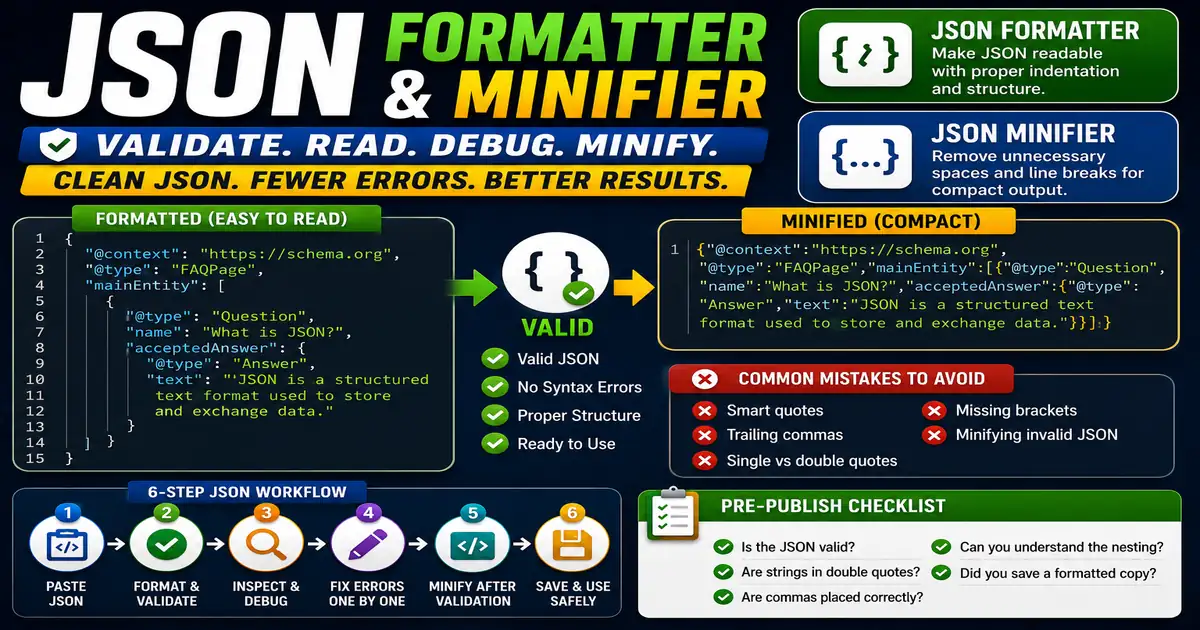
FAQ schema may be stored as JSON-LD. If a comma is missing or a quote is misplaced, the markup can fail. Formatting and validation make the problem easier to see.
This is where local tools are useful. They give you a fast way to check one detail without opening a large application or sending your content through an external service. For a focused hands-on check, use the JSON Formatter / Minifier and FAQ Schema Generator while reviewing the page.
A Practical Step-by-Step Workflow
When JSON looks confusing, do not edit blindly. First format and validate it.
- Paste the JSON into a formatter.
- Validate it before making changes.
- Use indentation to inspect nested objects and arrays.
- Fix one error at a time.
- Minify only after the readable version is correct.
- Keep a readable copy for future edits.
This workflow can be added to a publishing checklist, a content brief, or a personal editing routine. The exact order may change from one project to another, but the habit of checking before publishing is what protects quality over time.
Practical Example
A site owner editing structured data can format the JSON first, find the missing comma, then minify only the final valid version. That saves time and prevents silent schema failures.
Common Mistakes to Avoid
When optimizing this element in your drafts, review the final output carefully to avoid errors that compromise readability and search presentation. Watch for these specific mistakes:
- Using smart quotes instead of straight quotes.
- Leaving trailing commas.
- Mixing single quotes and double quotes.
- Deleting brackets accidentally.
- Minifying invalid JSON and making it harder to debug.
Pre-Publish Checklist
Review this focused checklist before publishing your work to ensure all details are correct:
- Validate JSON strings for syntax errors or trailing commas.
- Format JSON with indentation to improve readability.
- Minify JSON strings to save bandwidth in data transfer.
- Verify correct key-value structure and bracket closure.
A Small Workflow Tip
When learning JSON, keep both a formatted version and a minified version only when you need both. The formatted version is for humans; the minified version is for compact delivery. If an error appears later, go back to the readable version first. Debugging minified JSON is slow and invites accidental edits.
If you are editing JSON for schema or settings, change one field at a time and validate after each meaningful edit. Small steps make it much easier to identify exactly which change introduced a syntax error.