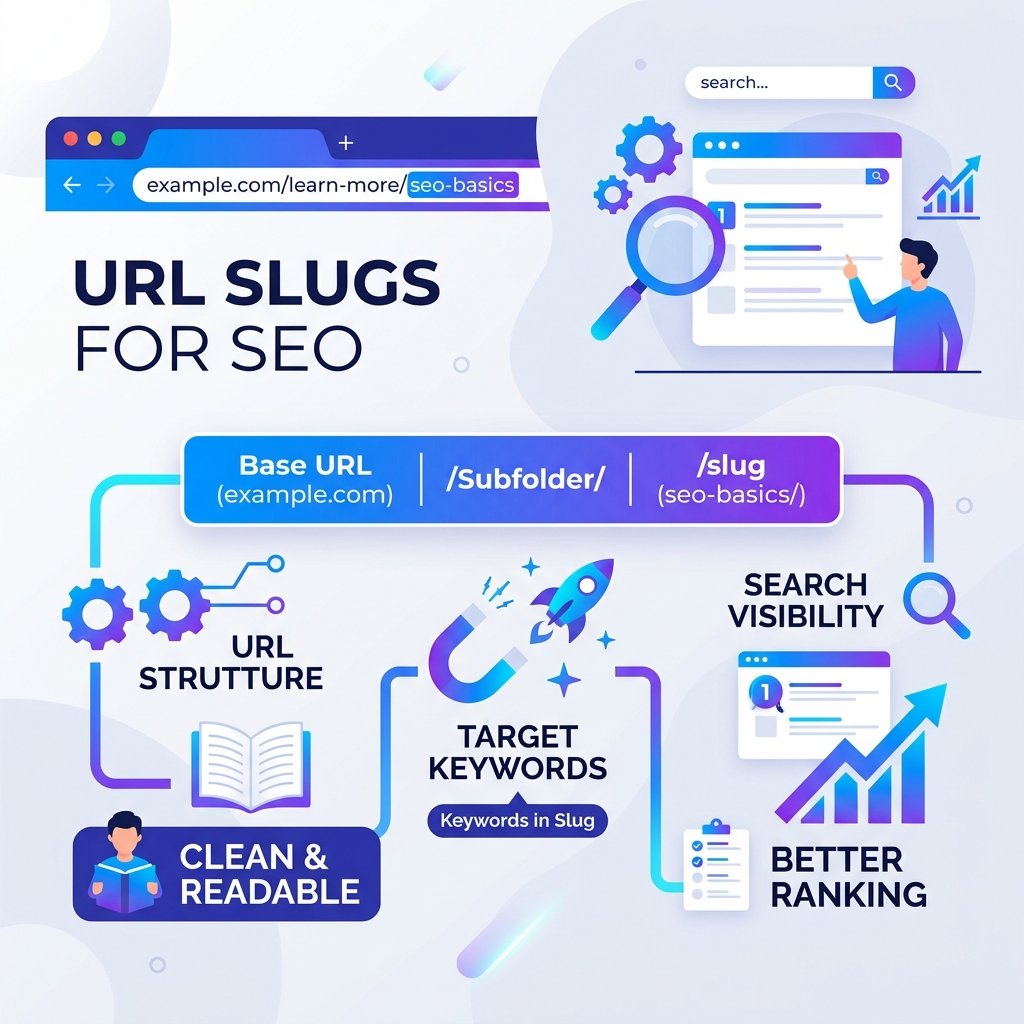
When you publish a new page or blog post, one of the smallest decisions you make is choosing the URL slug — the part of the URL after the domain. For example, in https://example.com/why-slugs-matter, the slug is why-slugs-matter. This small decision has a real impact on both your search rankings and user experience.
What Is a URL Slug?
A URL slug is the human-readable portion at the end of a web address. It identifies a specific page or post on your website. A clean slug is short, lowercase, and uses hyphens to separate words — making it easy to read and remember.
Why URL Slugs Matter for SEO
1. Keywords in URLs Are a Ranking Signal
Google uses the words in your URL to understand what a page is about. Including your primary keyword in the slug provides an additional relevance signal. For example, a URL like /seo-meta-title-tips reinforces a page targeting that keyword.
2. Cleaner URLs Get More Clicks
When your URL appears in search results, users can read it before clicking. A clean URL like /best-seo-tools is trustworthy and descriptive. A messy URL like /?p=1342&cat=8&session=xyz looks suspicious and reduces user confidence.
3. Easier Link Building
Bloggers and journalists who want to link to your content often copy-paste the URL. A readable slug means they understand what they are linking to, and that context shows up as anchor text when the URL itself is used as the link.
4. Improved Social Sharing
When people share links on social media, the URL is often visible. A clean slug looks professional and generates more trust than a string of random characters.
Rules for a Good URL Slug
- Use lowercase letters only
- Separate words with hyphens, never underscores or spaces
- Keep it short — ideally 3 to 5 words
- Include your primary keyword
- Remove stop words (a, the, is, of, and) when possible
- Avoid numbers and dates unless essential for evergreen content
- Never use special characters, spaces, or uppercase letters
Bad vs. Good Slug Examples
- ❌
/the-best-and-most-comprehensive-guide-to-seo-meta-title-writing-2025 - ✅
/meta-title-seo-guide - ❌
/Blog_Post_1?id=44 - ✅
/clean-url-slug-tips
Generate Perfect Slugs Automatically
Creating the right slug manually for every post takes time and discipline. Our free Slug Generator converts any title or phrase into a clean, SEO-friendly URL slug instantly. It strips stop words, lowercases everything, replaces spaces with hyphens, and removes special characters — all in one click.
Should You Change Existing Slugs?
Be careful. Changing a URL slug on a live page breaks existing inbound links and can cause a temporary drop in rankings. If you do change a slug, always set up a 301 redirect from the old URL to the new one. This preserves your existing link equity and ensures visitors are not sent to a 404 error page.