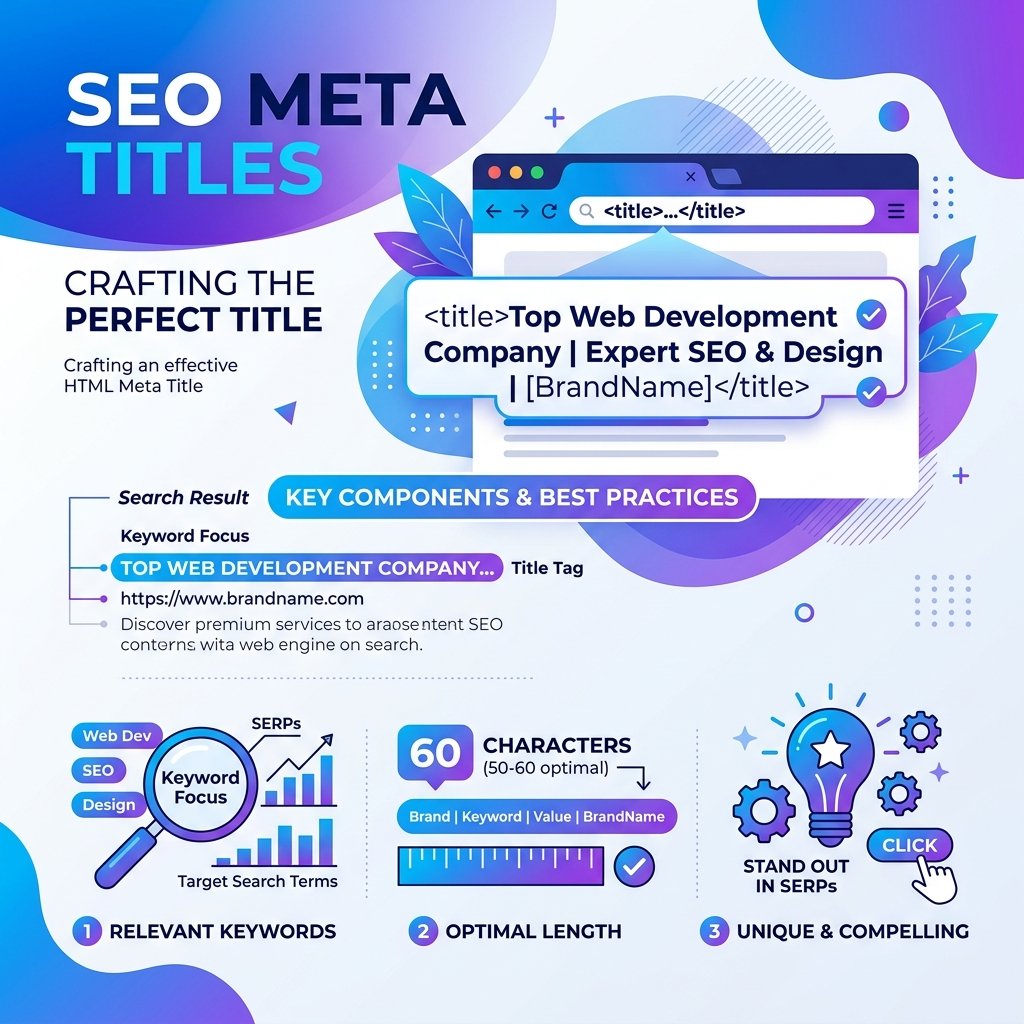
Your meta title is one of the most important on-page SEO elements you control. It appears in browser tabs, search engine results pages (SERPs), and when your content is shared on social media. Getting it right can make a measurable difference in your organic traffic.
What Is a Meta Title?
A meta title (also called a title tag) is an HTML element that specifies the title of a web page. Search engines like Google display this title as the clickable headline in search results. It is placed inside the <head> section of a page:
<title>How to Write Better Meta Titles for SEO | SEOToolkit</title>Why Meta Titles Matter for SEO
Meta titles are a confirmed ranking factor. Google uses your title tag to understand what a page is about and to decide when it should appear in search results. Beyond rankings, a well-crafted title directly affects your click-through rate (CTR) — the percentage of people who see your listing and actually click it.
A higher CTR signals to Google that your content satisfies user intent, which can further improve your rankings in a positive feedback loop.
The Ideal Meta Title Length
Google typically displays between 50 and 60 characters of a title tag. Titles longer than 60 characters are truncated with an ellipsis (…), which can cut off important words and reduce click-through rates. Titles shorter than 30 characters may appear too vague and miss ranking opportunities.
Use our free Meta Title Checker to instantly check the character count and pixel width of your title — so you know exactly how it will look in Google's SERPs before publishing.
How to Write a Strong Meta Title
1. Lead With Your Primary Keyword
Place your target keyword as close to the beginning of the title as possible. Search engines give more weight to words at the start of a title, and users scanning results tend to read left to right.
Weak: Tips for Writers Who Want Better SEO Results Using Good Meta Titles
Strong: Meta Title SEO: 7 Proven Tips to Rank Higher
2. Match Search Intent
Ask yourself: what does the person typing this query actually want? Are they looking for a definition, a comparison, a how-to guide, or a product? Align your title with that intent. Informational queries deserve titles like "How to…" or "What is…". Transactional queries suit titles like "Best… Tool" or "Free… Generator".
3. Include a Power Word or Benefit
Words like Proven, Free, Fast, Easy, Complete, Ultimate trigger curiosity and convey value. Use them authentically — do not overpromise.
4. Add Your Brand Name at the End
For most pages, add your site or brand name at the end of the title, separated by a pipe or dash: Best Meta Title Tips | SEOToolkit. This reinforces brand recognition without eating into your primary keyword space.
5. Avoid Keyword Stuffing
Using the same keyword multiple times in a single title looks spammy to both users and search engines. Focus on one primary keyword, perhaps one secondary keyword, and keep it readable.
Common Meta Title Mistakes
- Missing title tag: Pages without a title are given a random one by Google — usually not ideal.
- Duplicate titles: Every page on your site should have a unique title tag. Duplicate titles confuse search engines about which page to rank.
- Generic titles: Titles like "Home" or "Page 1" give search engines and users no useful information.
- Too long: Truncated titles lose impact. Keep it under 60 characters.
- No keyword: A title without your target keyword is a missed ranking opportunity.
Test Your Meta Titles Before Publishing
Before you hit publish, always verify your title with a dedicated tool. Our Meta Title Checker shows you the exact character count, a live Google SERP preview, and whether your title is too short, ideal, or too long. It takes five seconds and can save you weeks of suboptimal rankings.
Final Checklist
- ☑ Primary keyword appears near the start
- ☑ Length is between 50–60 characters
- ☑ Matches search intent clearly
- ☑ Unique across your entire website
- ☑ Includes a benefit or power word
- ☑ Brand name appended at the end