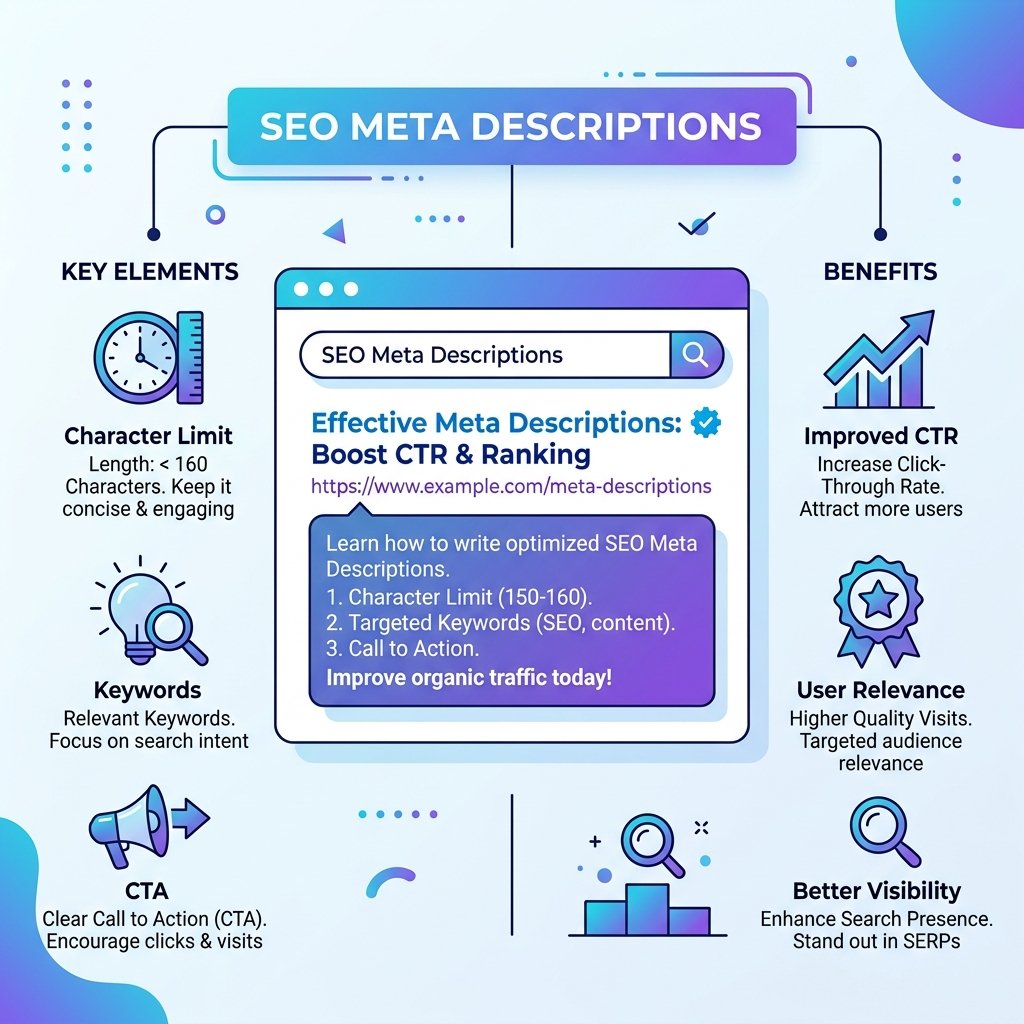
While meta descriptions are not a direct ranking factor, they play a critical role in your search performance. A compelling meta description increases your click-through rate — and a higher CTR tells Google your content satisfies user intent, which can indirectly improve your rankings.
What Is a Meta Description?
A meta description is the short paragraph of text that appears below your title and URL in search engine results. It gives searchers a preview of what they will find on your page. Here is what it looks like in HTML:
<meta name="description" content="Learn how to write meta descriptions that improve your CTR...">The Ideal Meta Description Length
Google typically displays up to 155–160 characters of a meta description on desktop, and slightly fewer on mobile. Text beyond that limit is cut off with an ellipsis. Keep your descriptions between 120 and 155 characters to stay within the safe zone across all devices.
You can check your description length instantly with our Meta Description Checker, which shows you a live SERP preview and flags descriptions that are too short or too long.
What Makes a Good Meta Description?
1. Match Search Intent
The first question to answer: what does the searcher actually want? Someone searching "meta description tips" wants actionable advice. Your description should directly confirm that your page delivers exactly that.
2. Include Your Primary Keyword
Google bolds query-matching words in the description, which makes your result stand out visually. Include your main keyword naturally — do not force it, but do include it.
3. Include a Clear Call to Action
Tell the reader what to do next. Phrases like Learn how, Discover, Get started, Find out, Try it free prompt action and signal that your page is interactive and useful.
4. Highlight a Specific Benefit
Why should someone click your result instead of the 9 others on the page? Mention a unique benefit: No sign-up required. Includes 10 real examples. Takes 30 seconds. Specificity wins over vague claims.
5. Create Urgency or Curiosity
Phrases like most bloggers get this wrong or the one mistake that kills your CTR trigger curiosity. Use these carefully — always deliver on what the description promises.
Common Meta Description Mistakes
- Missing description: Google will auto-generate one from your page content — usually from a random paragraph that may not be compelling at all.
- Too long: Anything beyond 160 characters gets cut off, often at a critical word.
- Too generic: "Welcome to our website. We offer many services." says nothing useful.
- Duplicate descriptions: Every page needs a unique description to avoid confusing search engines.
- No keyword: Missing the primary keyword is a missed opportunity for visual highlighting.
Real-World Examples
Weak: This page is about meta descriptions and how they work.
Strong: Learn how to write meta descriptions under 155 characters that get more clicks. Includes a live SERP preview tool — no sign-up needed.
The second version is specific, includes a keyword, has a benefit, and contains a call to action — all in under 155 characters.
Check Your Meta Descriptions for Free
Use our Meta Description Checker to validate your descriptions before publishing. It shows you the exact character count, highlights keyword usage, and gives you a real preview of how your listing will look in Google results.