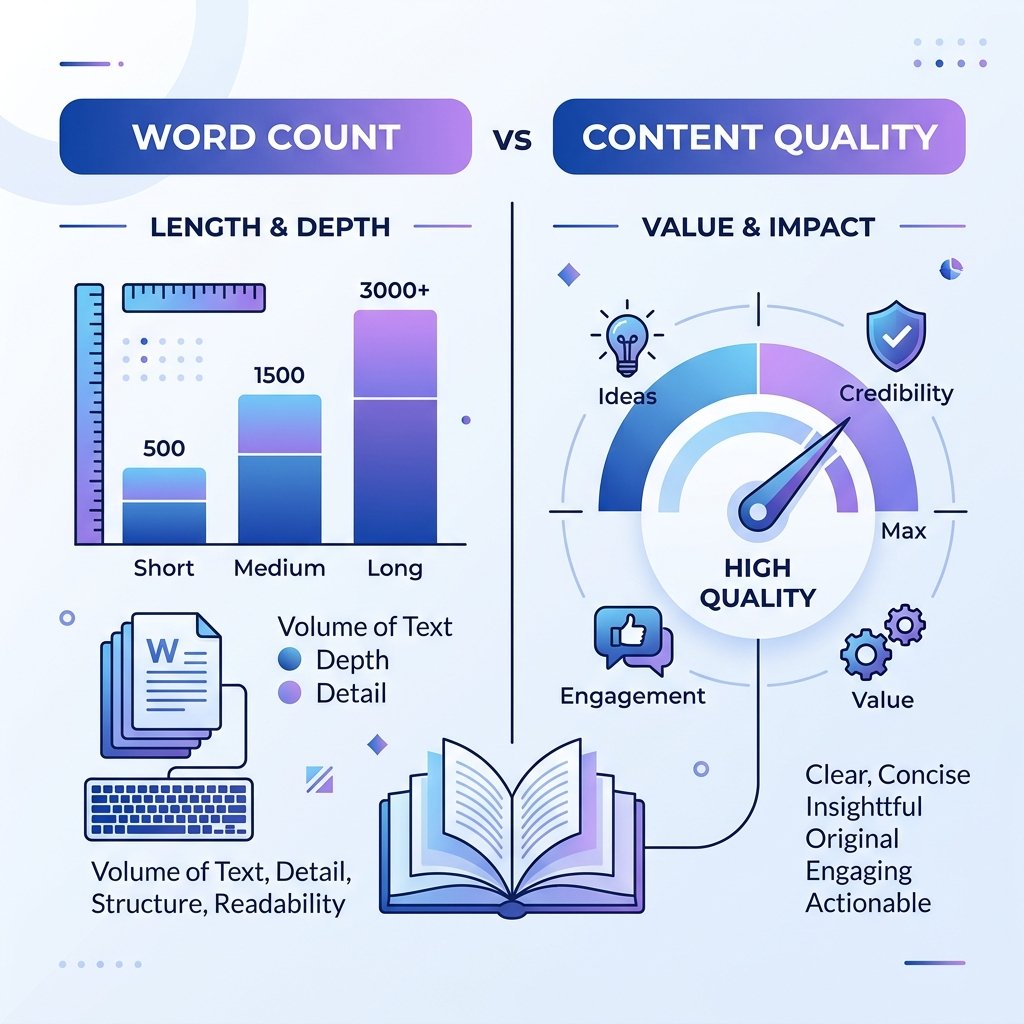
One of the most persistent debates in content marketing is about word count. Does longer content always rank better? Does a 2,000-word article automatically outperform a 500-word one? The honest answer is: it depends — but word count and reading time do matter, and they matter in specific ways.
What Word Count Signals to Search Engines
Search engines use content depth as one signal of quality. A page with 150 words is unlikely to cover a complex topic thoroughly. A page with 2,500 well-structured words can demonstrate expertise and provide genuine value — both of which Google rewards.
That said, Google has been explicit: word count alone is not a ranking factor. What matters is whether the content fully satisfies the user's query. A 300-word answer to a simple question is better than a padded 3,000-word article that wastes the reader's time.
Ideal Word Count by Content Type
- Blog posts (informational): 1,000–2,000 words
- In-depth guides: 2,000–4,000 words
- Product pages: 300–600 words
- News articles: 400–800 words
- FAQ answers: 50–150 words per question
- Landing pages: 500–1,500 words depending on complexity
What Is Reading Time and Why Does It Matter?
Reading time is the estimated number of minutes it takes an average person to read your content. The average adult reads approximately 200–250 words per minute. A 1,000-word article has a reading time of roughly 4–5 minutes.
Displaying the reading time at the top of a blog post serves two purposes:
- Sets expectations: Readers decide upfront whether they have time for the content.
- Improves engagement: When readers know the time commitment, they are more likely to read the full piece.
How Reading Time Affects SEO Indirectly
Google tracks behavioral signals like dwell time — how long a visitor spends on your page before returning to the search results. Longer dwell time suggests the content was valuable. Articles with visible reading times and well-structured layouts tend to have better dwell time because readers commit to finishing them.
Check Word Count and Reading Time Instantly
You do not need a complex tool to measure these. Our free Word Counter calculates your word count, character count, sentence count, and estimated reading time in real time as you type or paste your content. It also gives you paragraph statistics so you can assess content structure at a glance.
Practical Tips for Content Length
- Write to cover the topic completely, not to hit a word count target
- Break long content into H2 and H3 sections for scannability
- Use bullet points and numbered lists to improve readability
- Remove filler sentences — every paragraph should add value
- Match your depth to what the top-ranking pages are already doing
Quality Always Beats Quantity
The best content strategy is simple: write what your audience needs, structure it clearly, and make it easy to scan. A focused 800-word article that directly answers a question will outperform a rambling 3,000-word article every time. Use your word count as a quality checkpoint, not a goal.